"Will It Back Up My House" Is the Wrong Question: Size Backup Power by Circuits and Hours
A power station backs up a handful of circuits for a number of hours. Work out which circuits and how many hours, and the size follows.
We may earn a commission when you buy through links on this page, at no extra cost to you. This does not change which products we cover. How we make money.
None of these boxes backs up a whole house. Scott Caine frames it this way at solarpowerauditor.com: “‘Will it back up my house’ is the wrong question… which circuits, for how many hours?” So start there. List what must keep running, work out the energy, and the size of the power station falls out of the math.
Watts vs watt-hours: the mix-up that costs money
- Watts (W) tell you how much power something draws right now. The station’s continuous output must beat the total of everything running at once.
- Watt-hours (Wh) tell you how much energy you use over time. The station’s capacity must cover the total for the hours you need.
A 2,000W station with 1,000Wh runs a 1,000W space heater for under an hour. A 1,200W station with 2,000Wh runs a 60W fridge load for more than a day. Buyers who mix the two end up with the wrong one.
Step 1: list your critical loads
Walk the house and write down only what has to work during an outage:
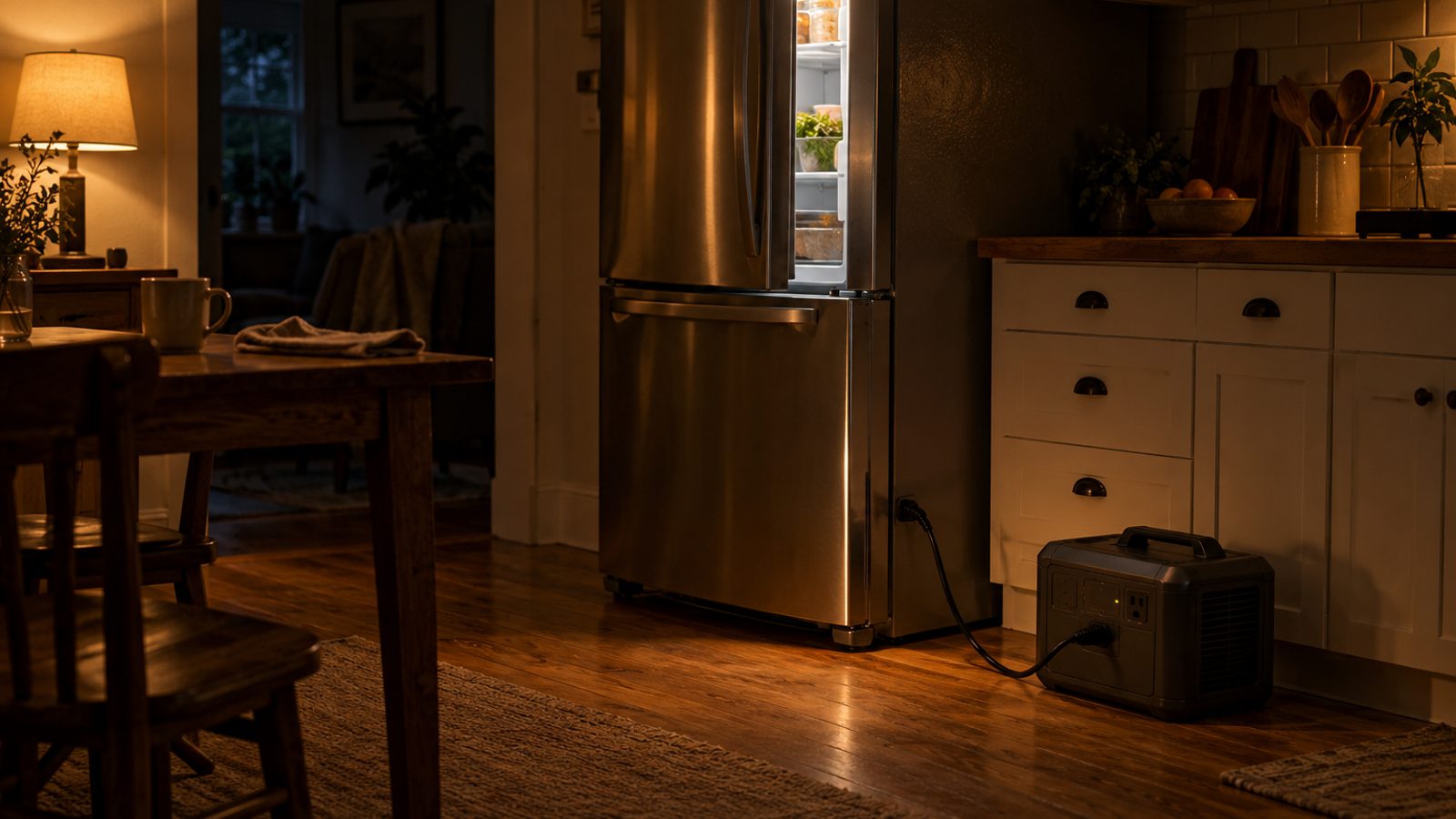
- Refrigerator and freezer
- Furnace blower (for gas heat), or a space heater only if you can afford the watt-hours
- Sump pump or well pump
- Router and modem, phone chargers
- CPAP or other medical equipment
- A few LED lights
Skip electric ranges, water heaters, dryers and central air unless you are planning a much bigger system.
Step 2: running watts, surge watts and hours
For each item, find three numbers: running watts from the label or manual, start-up surge for anything with a motor, and the hours it needs to run. For appliances with an EnergyGuide label, divide kWh per year by 8.76 to get average watts.
| Load (example values: use your own labels) | Running W | Hours | Wh |
|---|---|---|---|
| Fridge (500 kWh/yr label) | 57 average | 24 | 1,370 |
| Router and modem | 20 | 24 | 480 |
| LED lights, 4 bulbs | 40 | 5 | 200 |
| Phone charging | 20 | 3 | 60 |
| Total | 2,110 |
Step 3: add losses and a buffer
The station spends energy on its own inverter and electronics. In CNET’s fridge test, as compiled by wattpowerstation.com, some units used 15% to 20% of their energy on themselves, and the worst used 55%. We add 15% to 25% as a working estimate based on those published tests. That figure is our estimate, not a maker’s number.
Capacity you need = total Wh × 1.15 to 1.25
In the example above, 2,110Wh × 1.2 comes to about 2,530Wh. A 2kWh unit would cover most of a day. A 3 to 4kWh unit would cover all of it with room to spare.
Then check output: total the running watts of everything that can run at once, and make sure the surge rating covers the biggest motor start on top of that.
Step 4: 120V vs 240V, and room to grow
If your well pump or air handler runs on 240V, you need a station with 240V output, or two linked units. Among the models we cover, the EcoFlow DELTA Pro 3 and the Anker SOLIX F3800 Plus list 240V. If you aren’t sure what you need yet, buy an expandable model and add batteries later.
Worked examples
Apartment, one-night outages. Fridge, router, lights and phones: roughly 1,500 to 2,100Wh a day with our example figures. A 1kWh unit gets you through one night (the 1kWh units in solarpowerauditor’s drills ran a fridge and router for 21 to 23 hours). A 2kWh unit such as the Jackery Explorer 2000 v2 (2,042Wh, 2,200W) gives you margin.
Suburban home, gas furnace and sump pump. Add the blower and the pump to the list above, and the day total often climbs past 3kWh. Look at 3 to 4kWh stations, a transfer switch for the furnace circuit, and solar or a generator to recharge.
Rural home with a 240V well pump. You need 240V output and a surge rating that covers the pump start. The EcoFlow DELTA Pro 3 (4,096Wh, 4,000W) and the Anker SOLIX F3800 Plus (3,840Wh, 6,000W) list 240V. Connect them through a transfer switch or panel installed by an electrician.
Connecting the loads safely
Extension cords run straight to appliances work for a fridge and a router. Hard-wired circuits such as a furnace or well pump need a transfer switch, an interlock kit or a maker’s home panel. Read transfer switch vs interlock vs extension cords before you plug anything into the house. Got your number? Compare models in our best portable power stations for home backup.
Frequently asked questions
What is the difference between watts and watt-hours?
Watts measure how much power a device draws at one moment. Watt-hours measure energy over time. A 100W TV running for 3 hours uses 300Wh. A power station needs enough watts to run everything at once and enough watt-hours to last the hours you need.
How many watt-hours do I need to run a furnace blower overnight?
Read the blower motor watts on its label or ask your HVAC installer, then multiply by the hours it runs. Blowers cycle with the thermostat, so the run hours are often well below the clock hours. A gas furnace still needs its blower and controls powered.
Do I need 240V?
Only for true 240V loads such as many well pumps, electric dryers and central air handlers. Fridges, routers, CPAPs, lights and most sump pumps run on 120V. Among the models we cover, the EcoFlow DELTA Pro 3 and Anker SOLIX F3800 Plus list 240V output.
What is a surge rating?
The short burst of extra power a station can supply when a motor starts. Fridges, freezers and pumps draw several times their running watts for a moment. The surge rating must cover the largest start-up on top of everything already running.
Can I add batteries later?
On expandable models, yes. EcoFlow lists expansion to 12kWh for the DELTA Pro 3 with two extra batteries, and Anker lists up to 53.8kWh for the SOLIX F3800 Plus with six expansion batteries. Check that the extra battery is sold for your exact model.